Imagine a business that has accounts across multiple banks. Throughout the day, payments are collected from customers, payments are made to suppliers, and expenses are incurred via corporate credit cards. All these transactions must be accurately reflected in the accounting records.
However, this process is not always easy for finance and accounting teams. Logging into different bank accounts separately, downloading statements, determining which customer an incoming payment belongs to, and transferring bank transactions into the accounting software can create a significant operational burden.
Open banking technology makes this process more centralized and automatically manageable. But the real transformation begins not just by viewing bank account transactions on a single screen, but by linking this data with accounting and ERP systems.
So, how does open banking and accounting integration work? How are bank transactions transferred to ERP systems, and how are manual processes reduced along the way?
What is Open Banking and Accounting Integration?
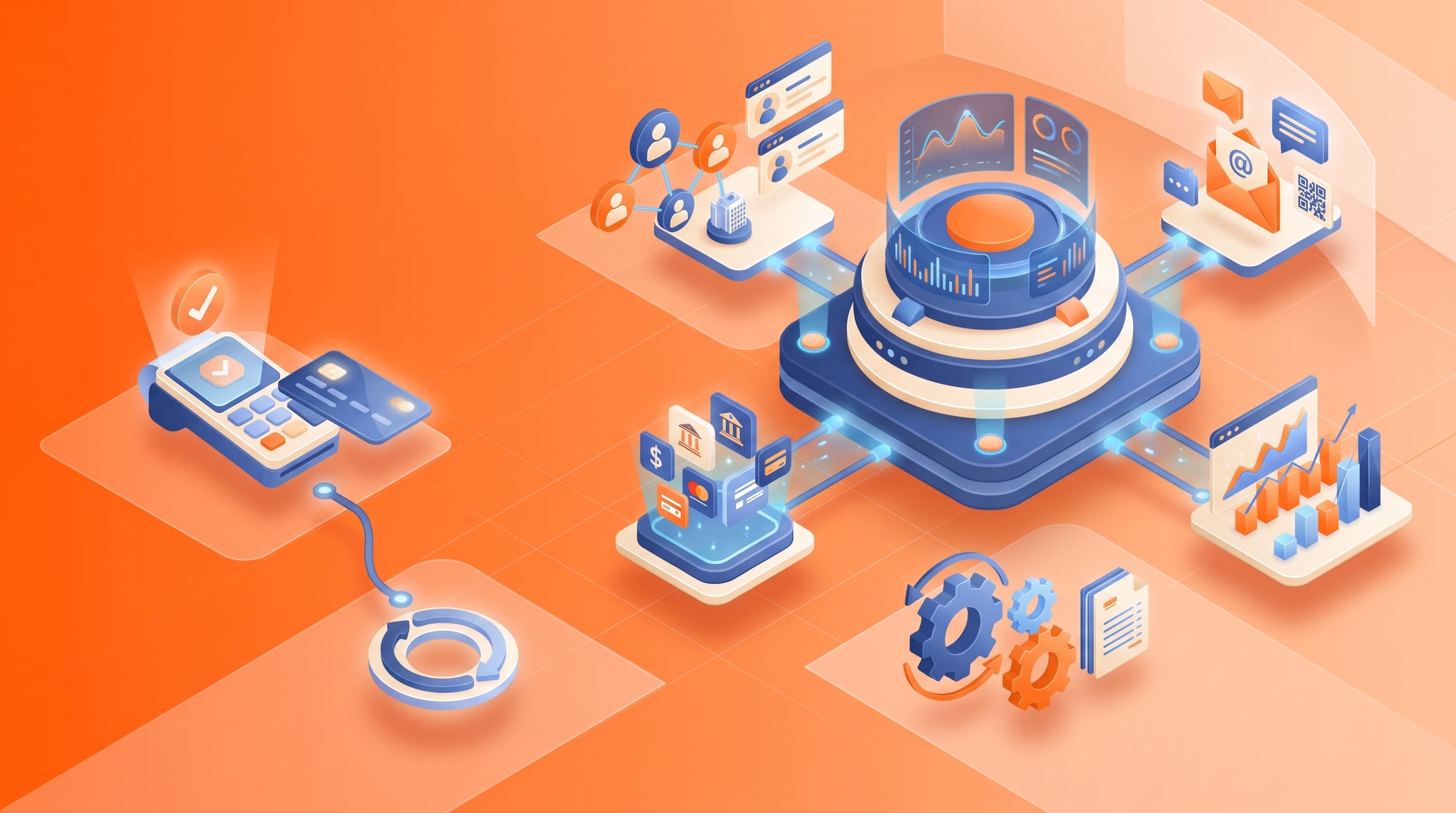
Open banking and accounting integration is a data integration process that allows businesses to retrieve their account and card transactions from different banks via API technology and link them with their accounting or ERP systems.
In the traditional method, accounting teams check bank accounts separately, download account statements, and manually enter the relevant transactions into their accounting programs. This process becomes incredibly time-consuming, especially for businesses with numerous bank accounts and high transaction volumes.
With open banking integration, bank data is gathered on a centralized platform via API connections within the scope of necessary authorizations. Transactions coming from different banks are standardized and can be transferred to ERP or accounting systems based on predefined rules.
The core financial data that can be transferred to the system in this context includes:
Bank account balances and account transactions
Incoming and outgoing money transfers
EFT (Electronic Funds Transfer) and wire transfer transactions
Transaction dates and amounts
Transaction descriptions
Sender or receiver IBAN details
Transaction types
Corporate credit card transactions
This way, businesses don't just track their bank accounts from a single point; they can also ensure these transactions are actively utilized in their accounting processes.
The Difference Between Viewing Bank Transactions and Transferring Them to the Accounting System
One of the most fundamental benefits of open banking solutions is that they consolidate account transactions from different banks onto a single screen. However, this visibility alone is not enough for the true digitalization of financial operations.
For example, imagine a payment of 25,000 TL arrives in a business's bank account. The amount and transaction description can be viewed in the bank movements. But for the accounting team to record this transaction correctly, several questions need to be answered:
Which customer did the payment come from?
Which business's Tax ID (VKN) is it associated with?
Which customer/vendor ledger account does the sender's IBAN match?
Is this transaction a collection or another type of money transfer?
Under which transaction category should it be evaluated in the accounting system?
This is exactly where making sense of the bank data becomes crucial.
Bank transactions need to be classified according to specific criteria, linked with the relevant ledger accounts, and transferred in a way that fits the data structure of the ERP system. Thus, instead of manually inspecting every single transaction from start to finish, finance teams can utilize predefined rules.
In short, while viewing bank transactions provides financial visibility, linking this data with the accounting system delivers operational efficiency.
How Does Open Banking and ERP/Accounting Integration Work?
Open banking and ERP integration occurs by taking data from bank accounts, passing it through specific stages, and transferring it into the accounting system.
For this process to run smoothly, how the incoming data is classified and adapted to the business's accounting structure is just as important as the bank connection itself.
1. Connecting Bank Accounts via API
In the first stage, API connections are established with the banks the business works with. Once the necessary authorizations are completed, transactions across different bank accounts can be transferred to the centralized system. This eliminates the need for finance teams to log into separate online banking portals, download individual statements, or manually merge different files.
2. Standardizing Bank Data
Different banks may present account transactions and transaction descriptions in different formats. A specific transaction type might be displayed with one description in one bank, while another bank uses a completely different data structure. Therefore, bank data coming from various sources must be organized into a common structure. Standardizing fields such as transaction date, amount, description, IBAN, and transaction type simplifies the classification and matching processes in the subsequent stages.
3. Classifying Bank Transactions According to Rules
One of the most critical stages of integration is making sense of the bank transactions. This is because not every cash inflow means the same thing. An incoming transfer could be a customer payment, an intercompany money transfer, or another financial transaction. Similarly, not every amount leaving the bank account corresponds to the same expense category. At this point, specific matching rules can be created using information such as Tax ID (VKN), IBAN, and transaction type.
For example:
Transactions arriving with a specific Tax ID can be linked to the relevant customer or ledger account.
Transfers coming from a specific IBAN can be matched with a predefined ledger account.
EFT, wire transfers, or other transaction types can be classified according to designated categories.
This ensures that the rule by which bank transactions will be processed is determined in advance. This approach reduces the need to review each transaction individually and helps accounting records progress more systematically.
4. Transferring Bank Transactions to the ERP System
The classified bank transactions are transferred to the ERP or accounting system according to the relevant integration structure. At this stage, it is important that the bank data aligns with the fields in the ERP system. Data such as transaction date, amount, description, ledger account information, and transaction type must be mapped to the correct fields. Businesses can thereby evaluate their bank account transactions together with the accounting software they use. Regularly transferring bank data to the system helps keep accounting records up-to-date and simplifies the tracking of customer/vendor accounts.
5. Executing Control and Reconciliation Processes
Automated data transfer does not mean that all transactions are directly booked into accounting without any oversight. For instance, a payment with a missing description, a collection related to multiple invoices, or a transfer that differs from the expected amount may require additional checks. Therefore, it is important for businesses to define their own accounting rules and approval processes in alignment with the integration structure. A properly designed integration ensures that routine transactions progress faster while allowing the finance team to evaluate transactions that require manual control.
Why is Tax ID (VKN), IBAN, and Transaction Type-Based Matching Important?
Accurate classification is one of the most important aspects of transferring bank transactions to accounting systems. This is because bank descriptions may not always contain sufficient information.
Particularly in businesses working with a large number of customers and suppliers, distinguishing between transactions of similar amounts can be difficult.
At this point, defining rules based on Tax ID (VKN), IBAN, and transaction type provides significant convenience.
Tax ID (VKN) based matching: Helps determine which business's tax number the transaction is associated with. It especially simplifies the separation of ledger accounts in businesses working with corporate clients.
IBAN based matching: Ensures that transfers coming from or made to a specific bank account are linked with predefined records. It is highly useful for customers and suppliers who make regular payments.
Transaction type based matching: Helps classify bank movements according to the type of transaction. Thus, how different money transfers will be evaluated in accounting processes can be defined in advance.
Using these three criteria together ensures that bank transactions are processed much more systematically. Businesses can manage data transfer in a more controlled manner by creating rules that suit their own financial workflows.
Transfer Bank Transactions to ERP Systems with Finrota Netekstre
The value open banking technology provides to businesses goes far beyond viewing bank accounts on a single screen. What matters is making the financial data coming from different banks compatible with the business's existing systems.
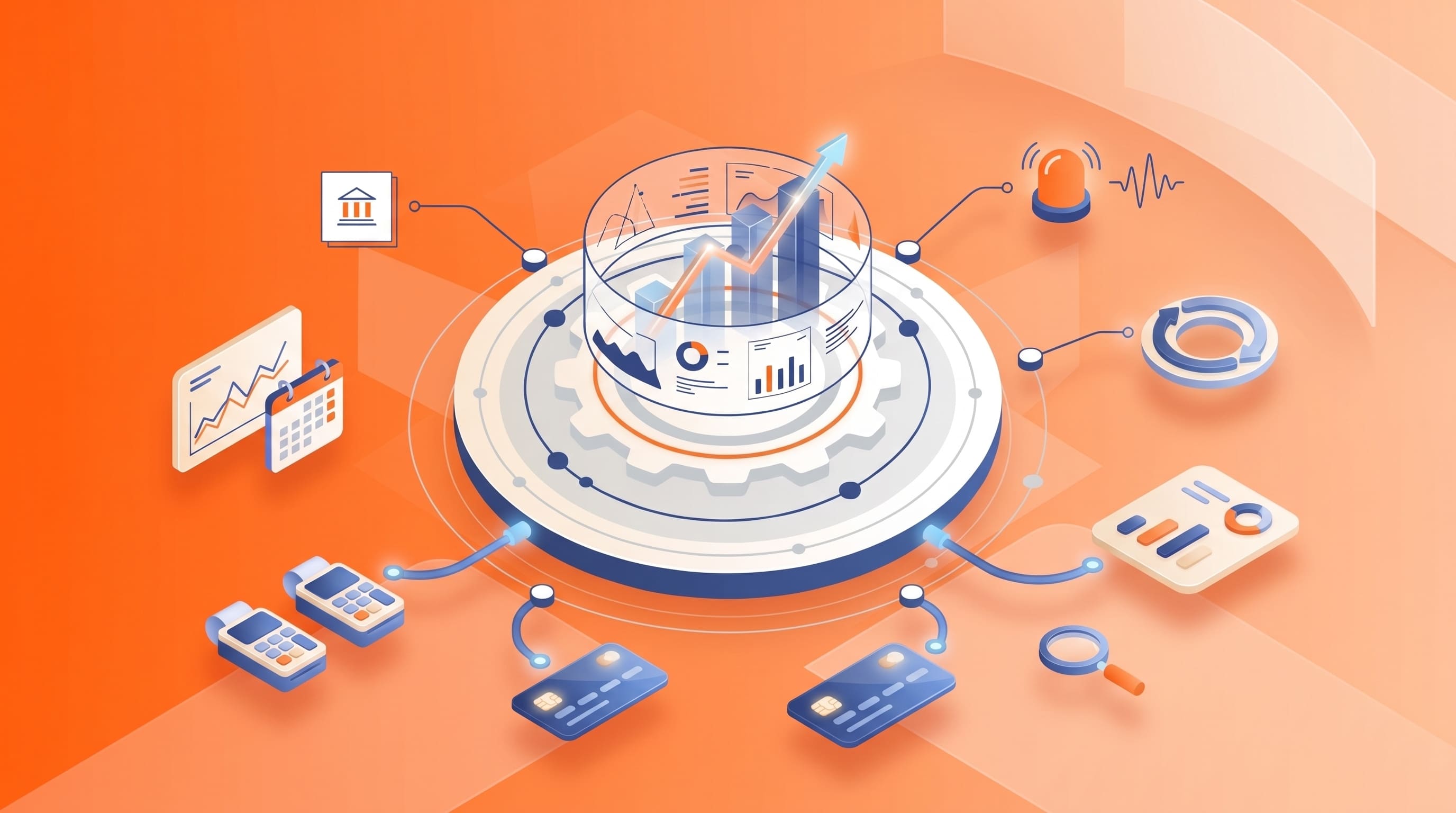
Finrota Netekstre consolidates account and corporate credit card transactions from different banks into a single panel, allowing financial operations to be managed from a central point.
One of Netekstre's standout features is the ability to define rules based on Tax ID (VKN), IBAN, and transaction type for movements retrieved via bank API integration. This allows businesses to determine the criteria by which bank transactions will be classified and transfer the relevant data into the ERP or accounting systems they use.
With Netekstre, businesses can:
Manage bank accounts on a single panel: Track account balances and transactions across different banks from a centralized screen.
Benefit from rule-based bank API integration: Determine how bank transactions are processed by creating rules based on Tax ID, IBAN, and transaction type.
Support ERP and accounting integration: Integrate data flow by transferring bank transactions into existing ERP and accounting systems.
Track transactions with instant notifications: Stay informed about incoming and outgoing bank transactions.
Utilize consolidated reporting: Evaluate daily, weekly, and monthly account movements and bank statuses altogether.
Manage user authorization: Assign access permissions to team members based on account, transaction type, or ledger account.
Netekstre's ERP integration supports integration processes that can be executed with various corporate software infrastructures such as SAP, Oracle, Microsoft Dynamics, Logo, and Nebim. The scope of the integration to be used is evaluated based on the business's current system and technical needs.
Thanks to this structure, finance and accounting teams can spend more time on the control, tracking, and analysis of financial data rather than manually collecting bank transactions and repeatedly entering them into the system.
What Are the Benefits of Open Banking and Accounting Integration for Businesses?
A regular data flow established between bank accounts and accounting systems provides more than just operational convenience. It also helps the business manage its financial processes in a much more integrated way.
The prominent benefits include:
Reduction in manual data entry: The need to download bank statements, check transactions, and enter them one by one into the accounting program is significantly reduced.
More organized ledger account tracking: Classifying bank transactions according to specific criteria simplifies the tracking of customer and supplier accounts.
Faster reconciliation: The number of manual operations required to cross-check bank transactions against accounting records decreases.
Lower risk of operational errors: Reducing repetitive data entry helps prevent mistakes that can arise from manual processing.
Increased financial visibility: Account balances and transactions across different banks can be monitored from a single center.
Higher team efficiency: Accounting teams spend less time on routine data transfers, allowing them to focus on areas like control, reporting, and financial analysis.
Conclusion: Make Bank Data a Part of Your Accounting Processes
Open banking and accounting integration enables businesses not only to view their financial transactions across different banks but also to actively use this data in their existing accounting and ERP processes.
Gathering bank transactions on a central platform, classifying them with criteria such as Tax ID, IBAN, and transaction type, and transferring them to ERP systems supports smoother financial operations while minimizing manual data entry.
With its rule-based bank API integration, centralized account tracking, and ERP connectivity, Finrota Netekstre helps businesses make their bank data more meaningful and usable.
To achieve efficiency in financial operations, you must do more than just view bank transactions; you need to connect these transactions with the right systems. By managing your bank accounts and financial data from a single center with Netekstre, you can make your accounting processes highly integrated and seamless.